
NotesExport Pro for macOS
Export Apple Notes.
Keep them yours.
Turn your notes into Markdown, PDF and more. Export on your Mac, then keep, share or move your files.
US $19.99 once · macOS 13+ · No subscription
FROM NOTES TO FILES
Three steps. A folder you can keep.
Choose exactly what you need, pick a format and save the result on your Mac.
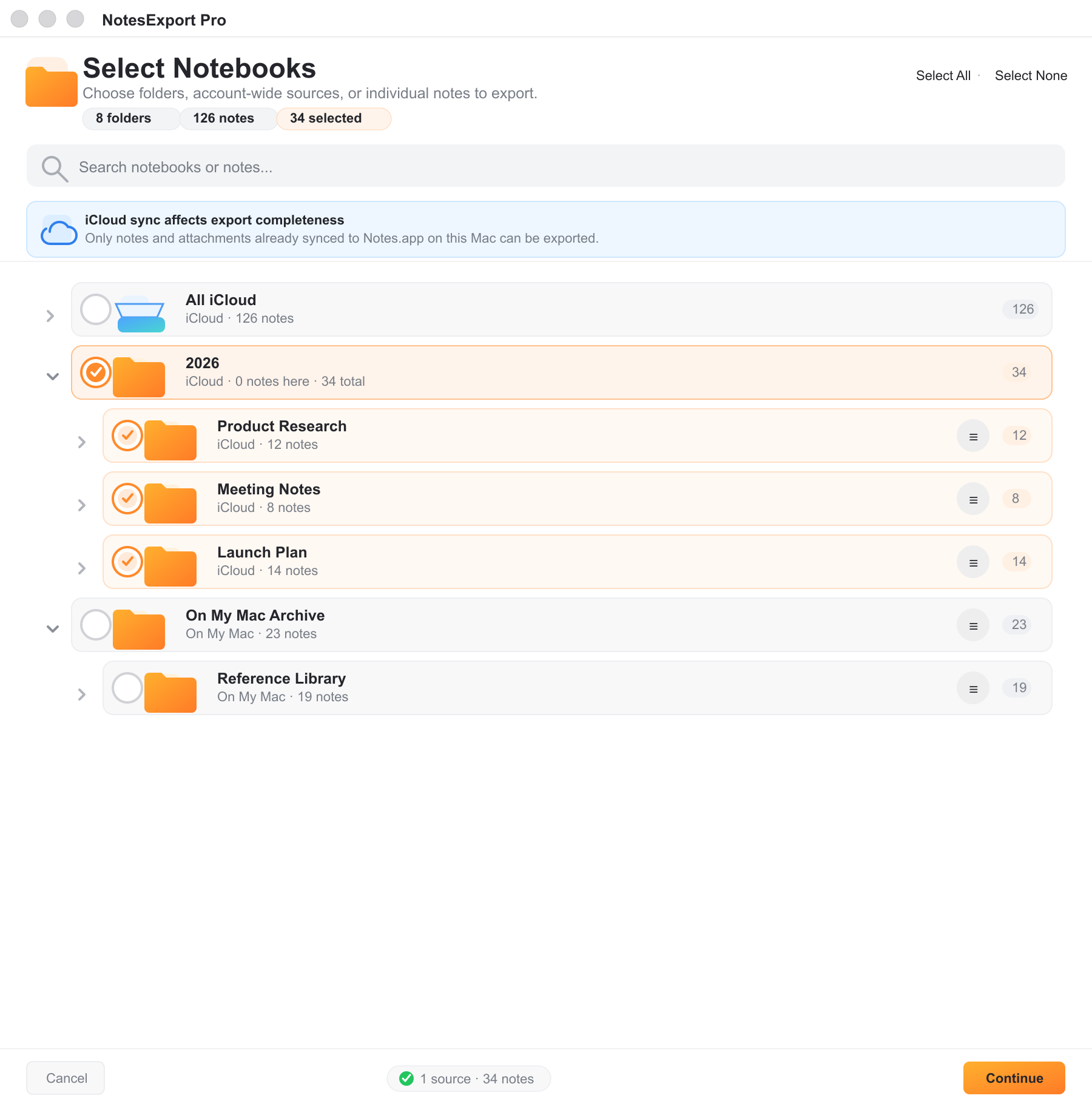
A notebook. A folder. A single note.
Select a parent folder with its children, or choose individual notes.
 Explore selection ↗
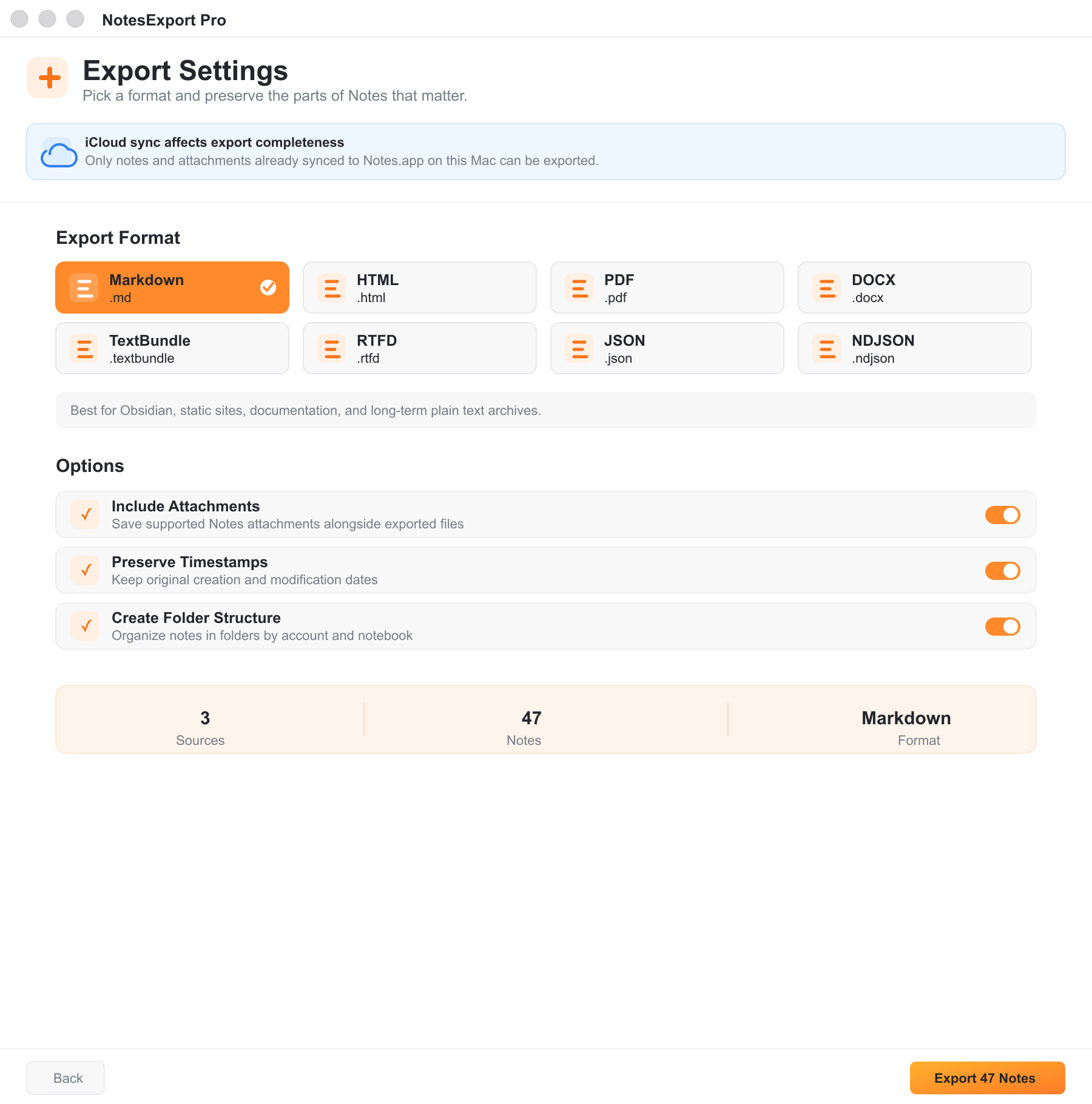
The right format for what is next.
Choose from ten formats and the export options that fit your workflow.
Explore export options ↗Your files, in your chosen folder.
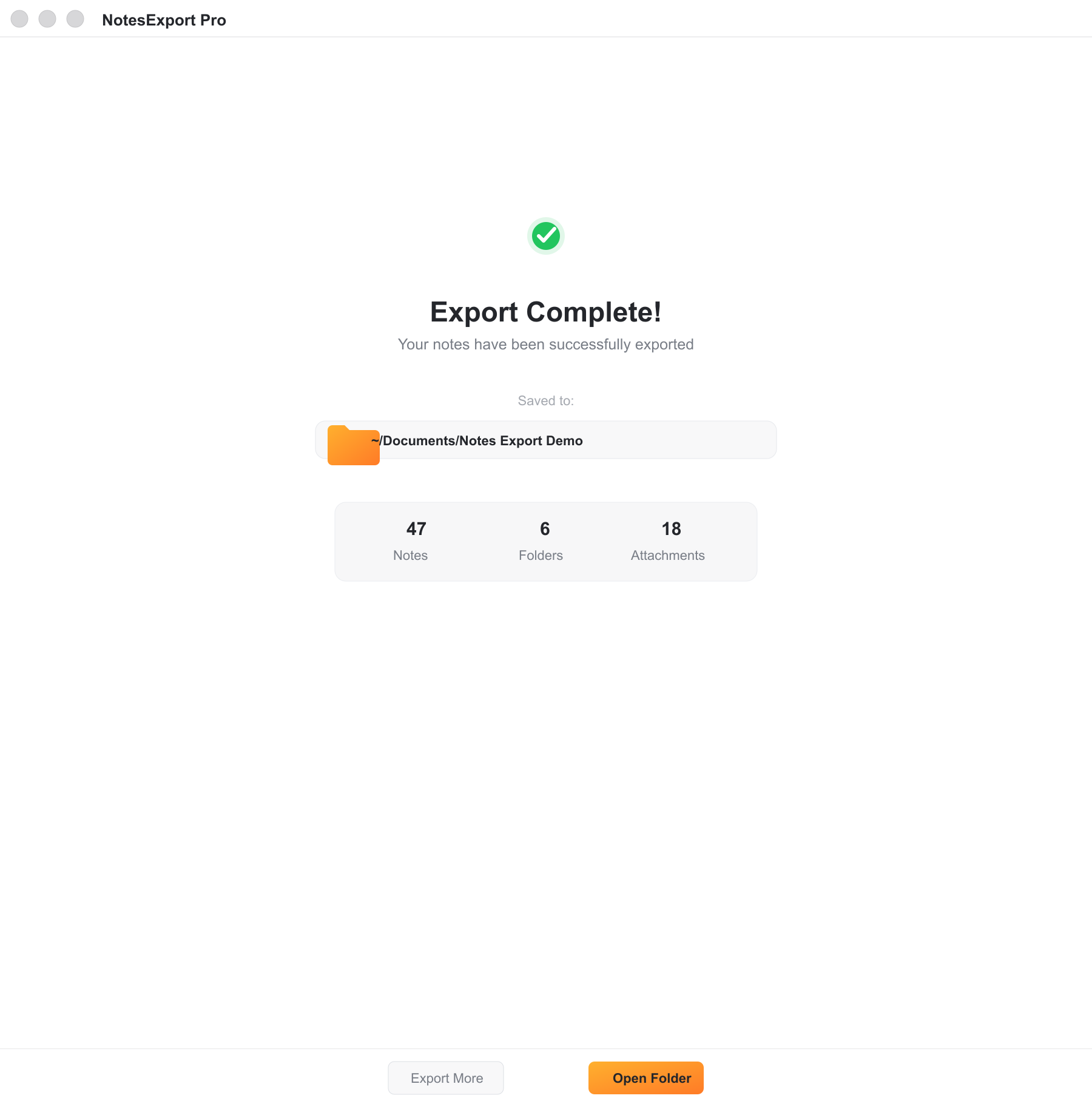
Open the destination and use your exported notes outside Apple Notes.
 See the result ↗
TEN FORMATS, CLEAR PURPOSES
Take your notes where you work.
Keep writing
Markdown and TextBundle for a new writing workflow. TextPack keeps a TextBundle in a portable archive.
Share and archive
PDF for reading, DOCX for editing, HTML for the browser, and RTFD for rich text with attachments.
Build on your data
TXT for plain text. JSON and NDJSON for structured exports and your own tools.
Compare all ten export formats
MarkdownReadable text with links to supported attachments.
HTMLBrowser-readable notes with supported formatting.
PDFDocuments for reading and sharing.
DOCXEditable documents for compatible word processors.
RTFDRich text documents with supported attachments.
TextBundleText and assets together in a bundle.
TextPackA compressed TextBundle archive.
TXTPlain text without rich formatting.
JSONStructured note data for your own processing.
NDJSONNewline-delimited JSON records for data workflows.
Formatting and attachment support vary by format. Export a small sample and review it before moving your full collection.
CLEAR ABOUT WHAT WAS EXPORTED
Keep the ready notes moving.
If some content is unavailable, version 1.5 continues with the items that are ready. A local report tells you what still needs attention.
- Keep nested folders, timestamps and supported attachments.
- Preserve unavailable titles with marked placeholders when possible.
- Retry unresolved items without writing successful exports again.
The app cannot recover content that Apple Notes has not made available locally. Check the original note and allow iCloud to finish downloading, then retry.
Read the backup guide →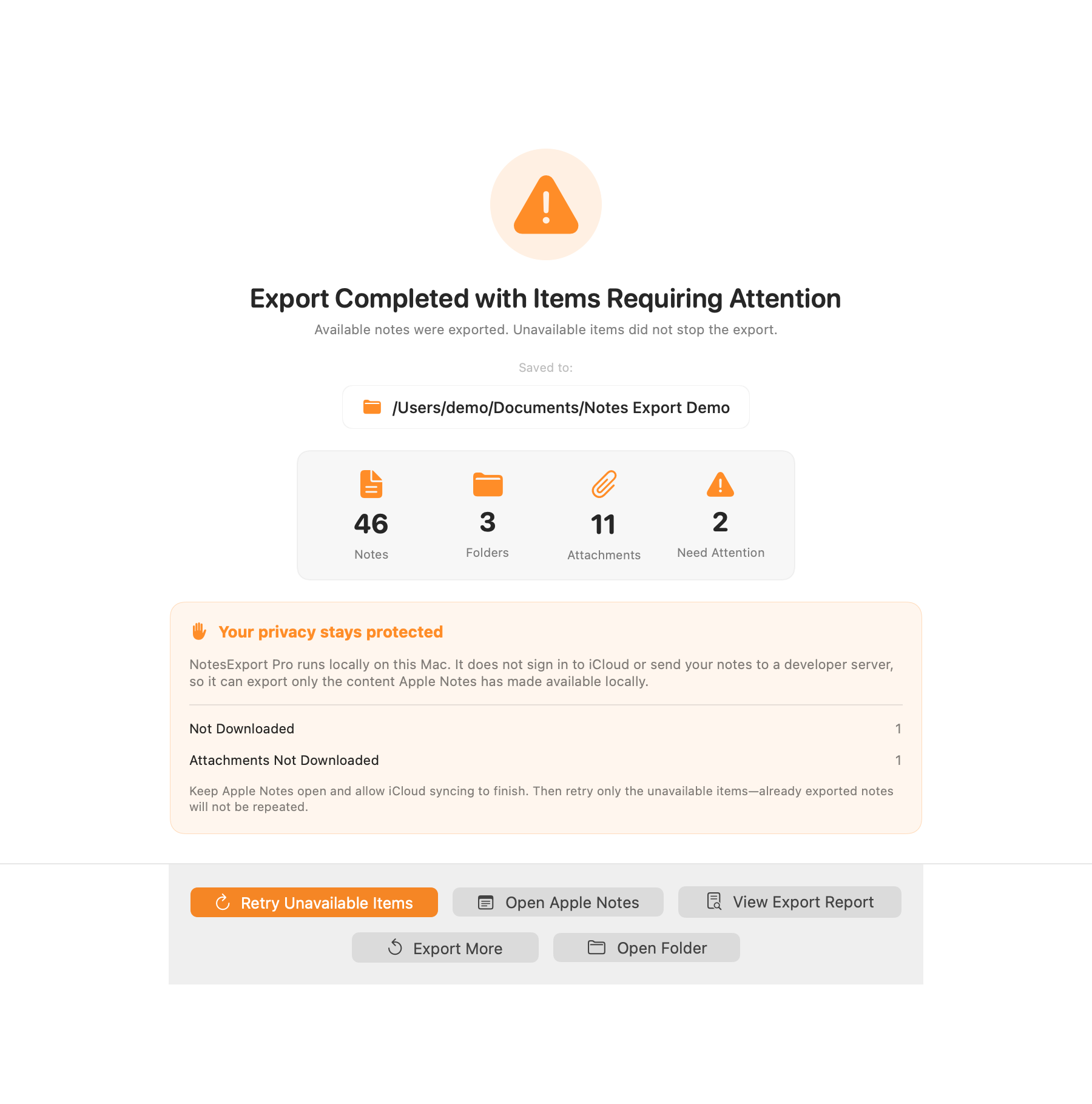
BEFORE YOU START
Made for the notes on your Mac.
macOS 13+
A Mac running Ventura or later.
Apple Notes
Your selected content must be accessible locally.
Permission
Allow Automation access to Notes when requested.
Local export
Choose an output folder. No developer account needed.
Current Mac App Store version: 1.5. Notes are read and exported on your Mac, without a developer server, advertising SDK or analytics SDK in the app.
Coming in version 1.6: clearer reading progress and feedback
Version 1.6 is submitted for review and is not the current App Store release. The development build distinguishes Reading… from Finishing… and adds Cancel Reading.
Cancellation safely waits for an in-flight Notes request to finish, then discards that reading session. It does not quit Apple Notes, stop iCloud syncing or promise faster exports.
Feedback opens an editable email draft with app/build and macOS versions. Notes, titles, attachments and export reports are not attached automatically, and nothing is sent automatically.
ONE PURCHASE. YOUR TOOL.
Ready when you are.
All ten formats and export options are included. No subscription or in-app unlock.
A FEW USEFUL ANSWERS
Before you get started.
Does NotesExport Pro upload my notes?
No. NotesExport Pro reads selected Apple Notes data on your Mac and writes export files to a folder you choose. It does not use a developer server, analytics SDK, advertising SDK, or account system.
What happens when a note or attachment is not available locally?
NotesExport Pro continues exporting every ready item. It preserves an unavailable note title with a marked placeholder when possible, writes a local HTML report, and shows an attention state instead of claiming a clean success.
Will retrying duplicate notes that already exported successfully?
No. Retry Unavailable Items targets only unresolved notes or attachments. Successful exports are not selected or written again.
Can I export a parent folder without selecting every child row?
Yes. Parent folders are selectable sources. Child folders and notes can show inherited coverage without becoming separate explicit selections, keeping the hierarchy easier to reason about.
Can I export one note instead of a whole notebook?
Yes. Open a folder's note list from the selection screen, choose individual notes, and export them alongside or instead of folder-level selections.
Guides & practical help
How to export Apple Notes to Markdown on Mac
Choose notes, export Markdown with supported attachments, and check the result before moving it into Obsidian or another editor.
Read guide →How to back up Apple Notes as local files on Mac
Make a dated export, preserve folder structure, and review unavailable notes before treating your Apple Notes archive as complete.
Read guide →Apple Notes export: loading, permissions and unavailable items
Check Notes access and iCloud readiness, understand partial exports, and see the reading and cancellation improvements planned for NotesExport Pro 1.6.
Read guide →